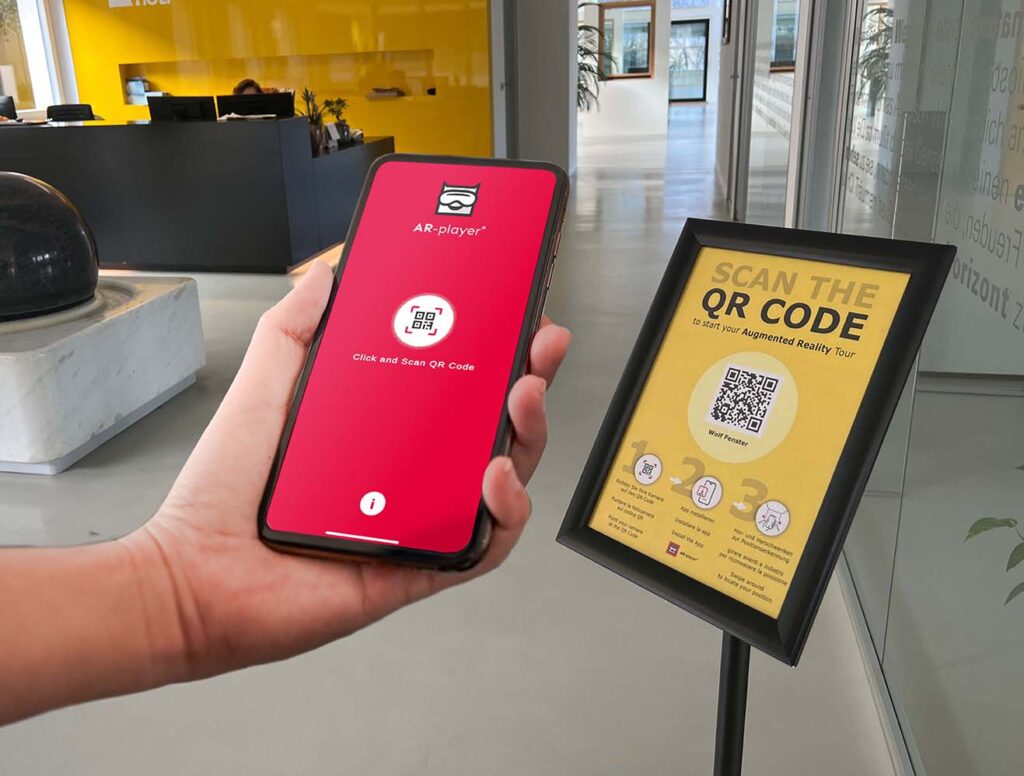
With Augmented Reality (AR),
digital content from your virtual tour becomes visible
directly on-site on your visitors’ mobile devices.
Information appears exactly where it is relevant – in the real world.
Content can be updated live and centrally at any time, without any additional effort on-site.
A particular advantage: AR is designed to work exclusively within your venue. This allows you to create an exclusive experience that specifically enhances the physical visit.
>> The AR Indoor Wayfinder:
Our innovative Indoor Wayfinder:
AR navigation without GPS or sensors.
The Indoor Wayfinder enables reliable indoor navigation – precisely where GPS doesn’t work. What makes it special is that no sensors or installations are required.
Navigation is entirely digital, ready for immediate use and ideal for complex buildings.
As you set off on a journey of discovery with augmented reality, the AR Wayfinder always guides you accurately to the information point or your desired destination.
Trade fairs & public spaces
Museums
Cathedrals / Churches
Showrooms
Possible applications:
AR Guide for museums
Make your museum even more exciting and interactive – a fascinating experience for young and old alike!
Indoor navigation
So that visitors can find the room they’re looking for more quickly in a complex building.
Gamification
You catch mice with bacon; you attract people with games. AR can also be used for short-term activities, such as a scavenger hunt. (Easter egg hunt, Christmas game,…)
Facility management
If sensors and areas are marked in the digital twin, they can be found quickly and easily using AR Wayfinder. The digital twin also serves as a visual guide for building management or external workers.
Company fire brigade
This also applies to the company fire brigade: instead of relying on static paper plans, the triggering sensor or specific fault message can be located directly within the room and precisely navigated to via AR.
The digital twin thus also helps emergency services to act more quickly and safely.
Production is this simple:
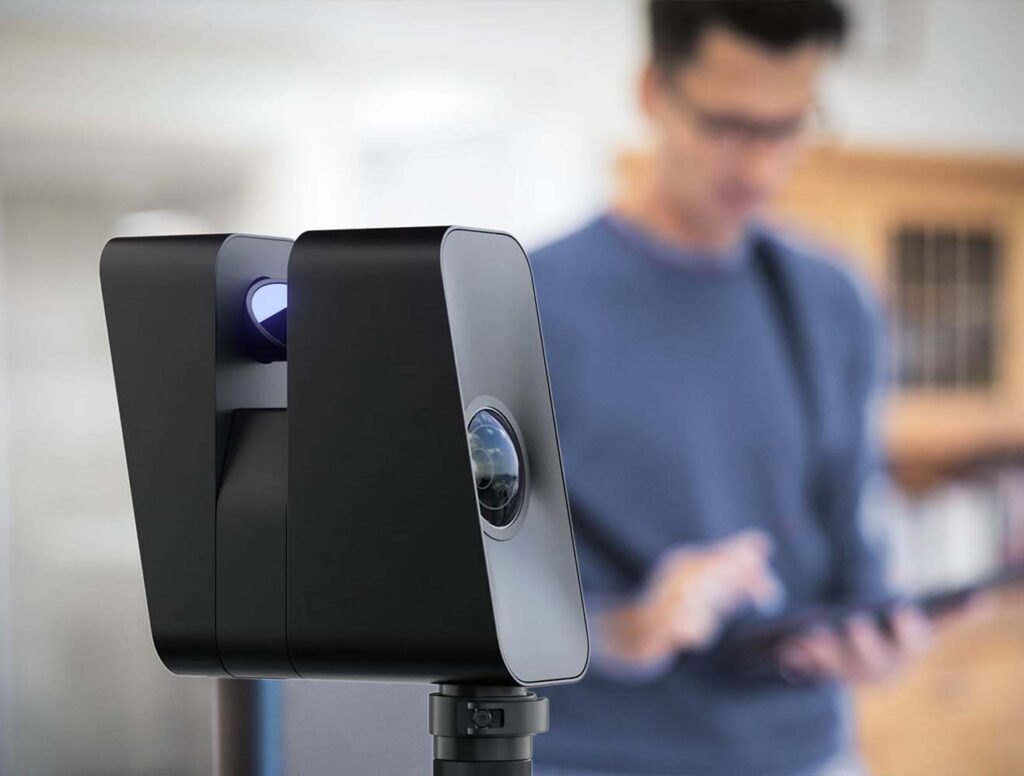
1. 3D scan of the space

2. Insert the interactive content (information points, menu, etc.)